Why Copilot Studio often works badly with SharePoint

With Copilot Studio, it is easier than ever to build chatbots that are connected to company data. However, the connection to SharePoint often does not deliver the desired results. There are a number of reasons for this. Here you can find out why the results often fail to meet expectations and what you can do to make your Copilot Studio project with SharePoint a success...

Keep reading


Model Driven Apps, Power Apps

Understand date and time in model driven apps

In many professional scenarios, dates and times are processed. Dataverse offers various ways to store and display them, which often leads to confusion. If the data types are not set correctly at the beginning, it may cause difficulties later on. Here you will learn how to best handle date and time fields...

Power Apps

When to use Copilot Studio?

With the introduction of M365 Copilot, Copilot Studio has also seen increased interest. The platform has evolved significantly in recent years and offers numerous features that go beyond the capabilities of the original Power Virtual Agents. But with the variety of AI and agent technologies available, the question arises: When is Copilot Studio the right choice? In this post, you’ll learn in which scenarios Copilot Studio makes sense and when it might be better to use other technologies...

Power Automate, Copilot Studio, Administration

Keep agent builder in check

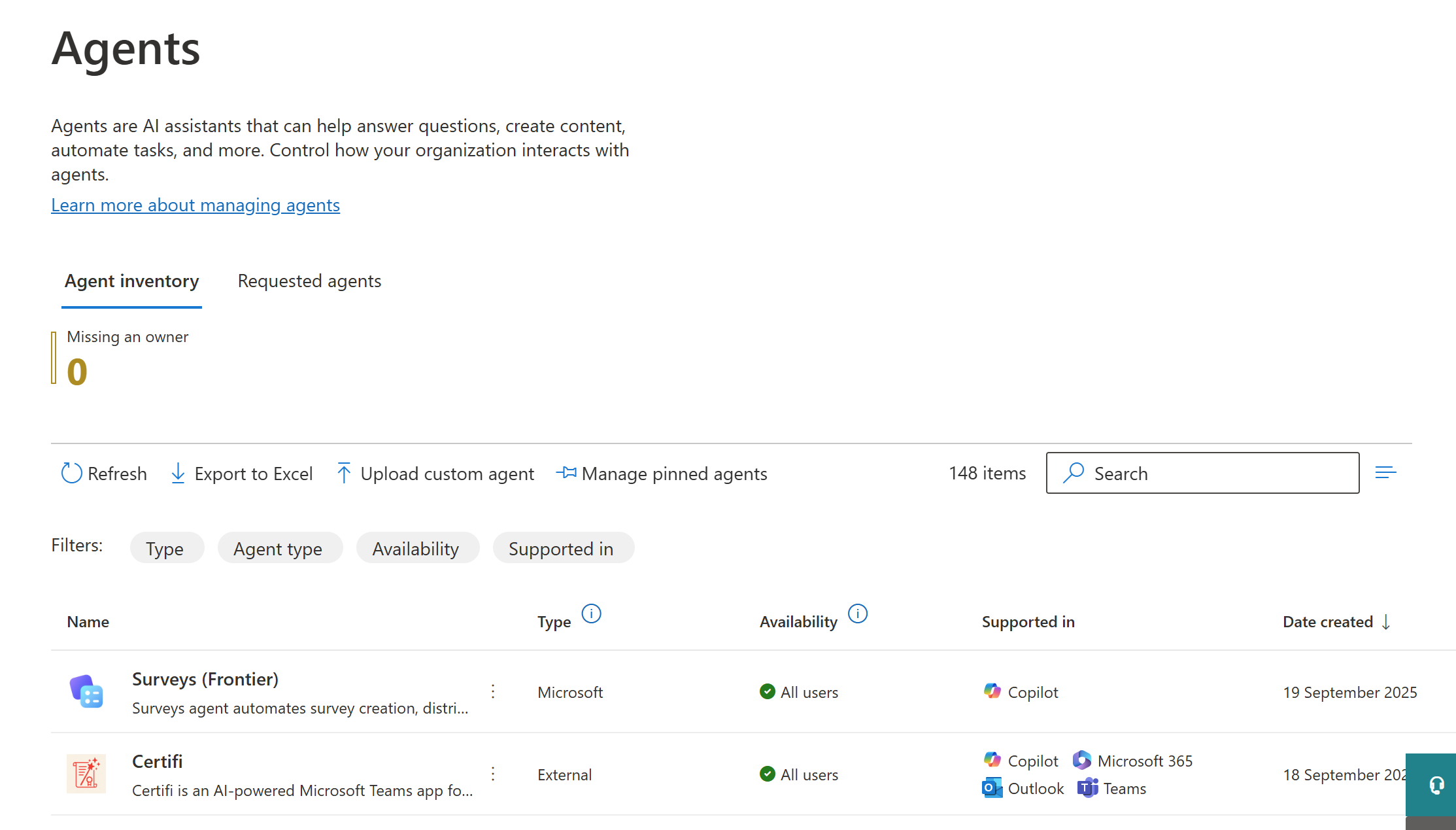
It is easier than ever for employees to build agents built on M365 copilot. Many com-panies struggle to keep these agents in check. Find out how to use Power Automate to block these agent builder agents...